The Privacy Iceberg: How Deep Should You Actually Go?
I put my face on the internet pretty much every week. I also make videos about privacy, which is kind of a weird combo. So how private can you actually be when you're in public?
I think about it as an iceberg. At the top is the easy stuff, like a password manager. At the very bottom is a guy in a cabin paying for groceries in gold. Most of us land somewhere in between.
I went through 32 videos from people who teach this, the guides they point to, and forum threads from people who went too deep and burned out. Every layer costs money, time or mental bandwidth.
Above the water: what are you protecting?
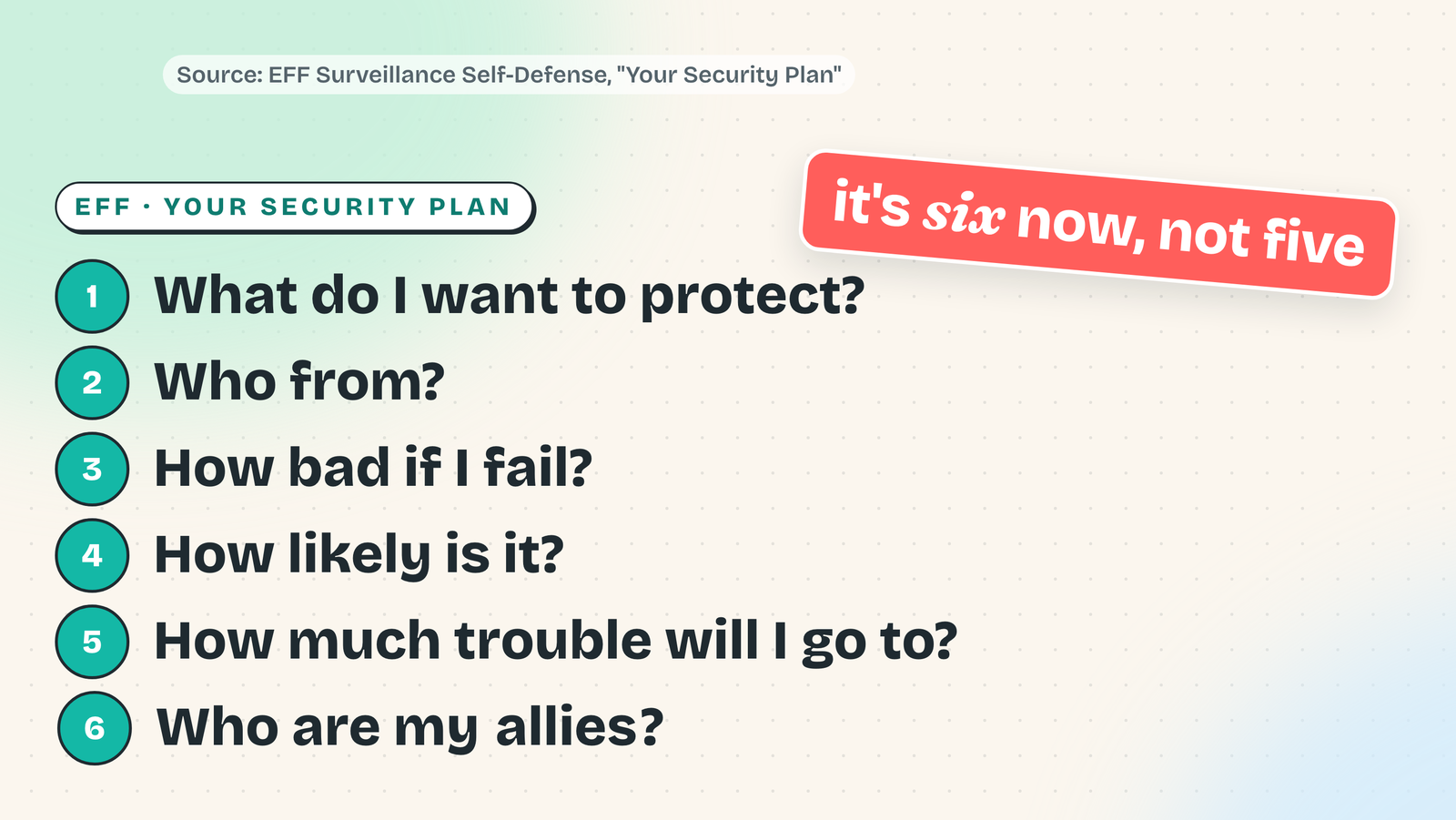
Before any tools, one question: what am I protecting, and who am I protecting it from? The EFF has a short list for this. It's six questions now, not five, and the new one is "who are my allies?" Your family's photos and your friends' numbers are on your phone. If you get sloppy, they're along for the ride.
A free exercise: search yourself like a stranger would. A speaker at a BSides security conference built a full profile on one person, starting from a public staff list, in 12 minutes.
The tip: lock the front door
Updates on every device. A password manager with a different password for every account. And long beats complicated: the NIST guidance says at least 15 characters when the password is the only thing protecting an account, and to stop forcing password changes on a schedule.
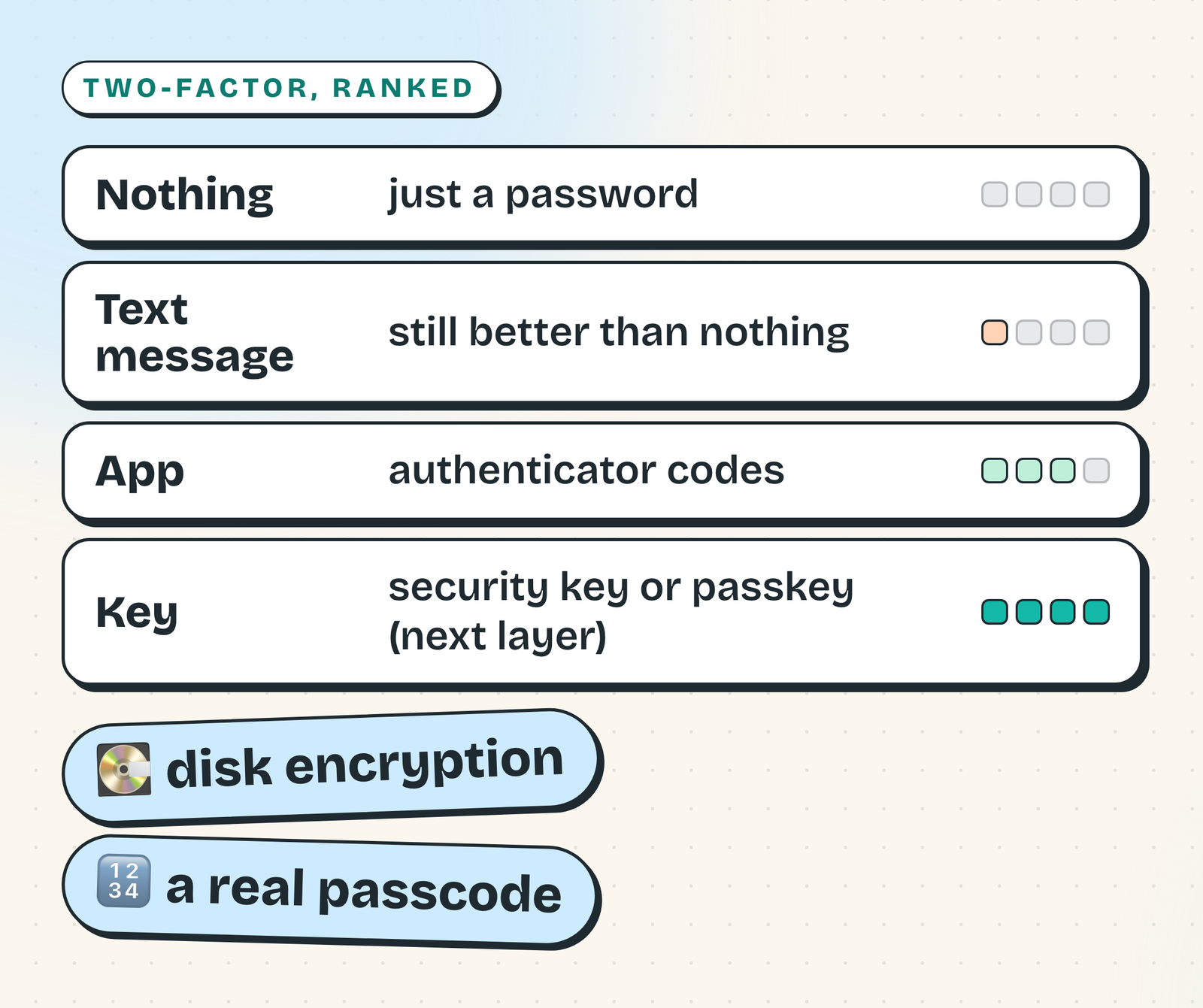
Turn on two-factor everywhere. An authenticator app beats a text message, and a text message beats nothing. Encrypt your disk and put a real passcode on your phone.
The UK's National Cyber Security Centre says the majority of attacks are untargeted and opportunistic. A robot tries a million doors, and if yours is locked it moves on.
Just under: tidy up
This whole layer is about an afternoon of work.
- A security key or a passkey on your email first. Whoever owns your email can reset everything else. Buy two hardware keys, something like the YubiKey 5C NFC. Keep one on you and one somewhere safe.
- Print your recovery codes and put them in a safe. That's the first thing here that lives offline.
- Turn on your carrier's number lock so nobody can move your number to their SIM.
- Freeze your credit. In the US it's free to freeze and unfreeze with all three bureaus.
- Use email aliases for sign-ups. If one starts getting spam, you know who leaked it.
- Use Signal for the conversations that matter, and run a content blocker.
- Opt out of data brokers. California's free DROP tool sends one deletion request to every registered broker. Elsewhere it's site by site, and the listings come back.
If you stop right here, you're ahead of most people.
Split your identities
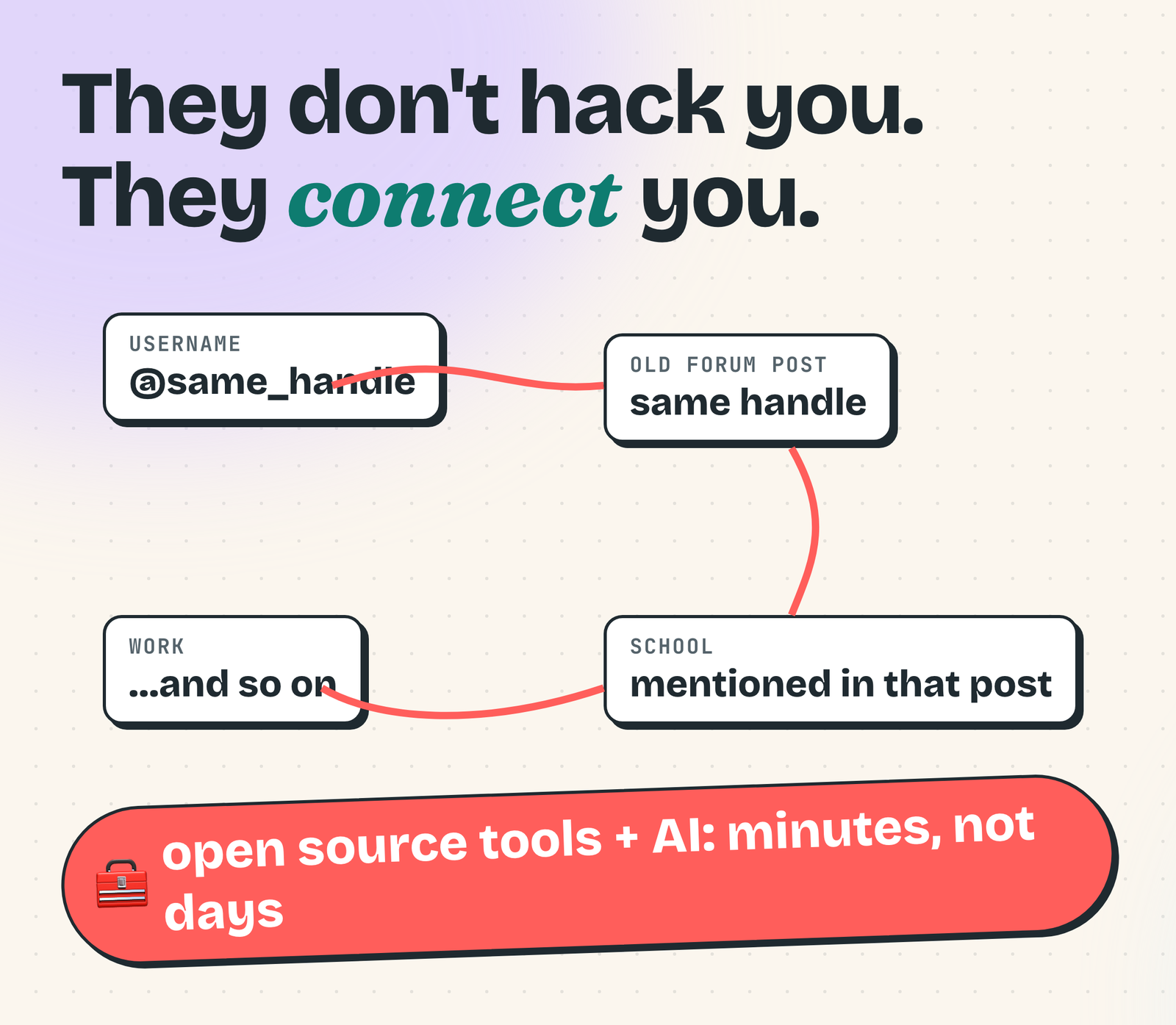
This matters most if you have a public life, and it's a habit, not a purchase: never reuse an identifier across your worlds. Username, email, phone number, profile picture, even your writing style.
Nobody has to hack you. They connect you. The privacy creator foci tried this on himself. He had mentioned his first name, his city and working at a university. That led to his staff page, his full name and his private Instagram.
The creator version: a mailbox service instead of your house, a registered agent so your home address never lands on company filings, a business phone number and inbox, and an email you only use for money. Check every frame you publish for windows, reflections, license plates and mail. And put the smart TVs, cameras and plugs on their own network.
Own your data
If a company can't read your files, it can't sell them, scan them or leak them. On an iPhone, Advanced Data Protection turns on end-to-end encryption for most of iCloud, including photos and backups. Mail, contacts and calendars are still not covered.
Anything that isn't end-to-end encrypted can be read by the provider's systems, and one automated mistake can lock you out of your whole account.
You can also bring things home. Immich is a self-hosted replacement for Google Photos. My own photos went from Google Photos to iCloud to a self-hosted Synology NAS, and I'm looking at moving again. Local AI fits here too: ask a model on your own machine, and the question never leaves the room.
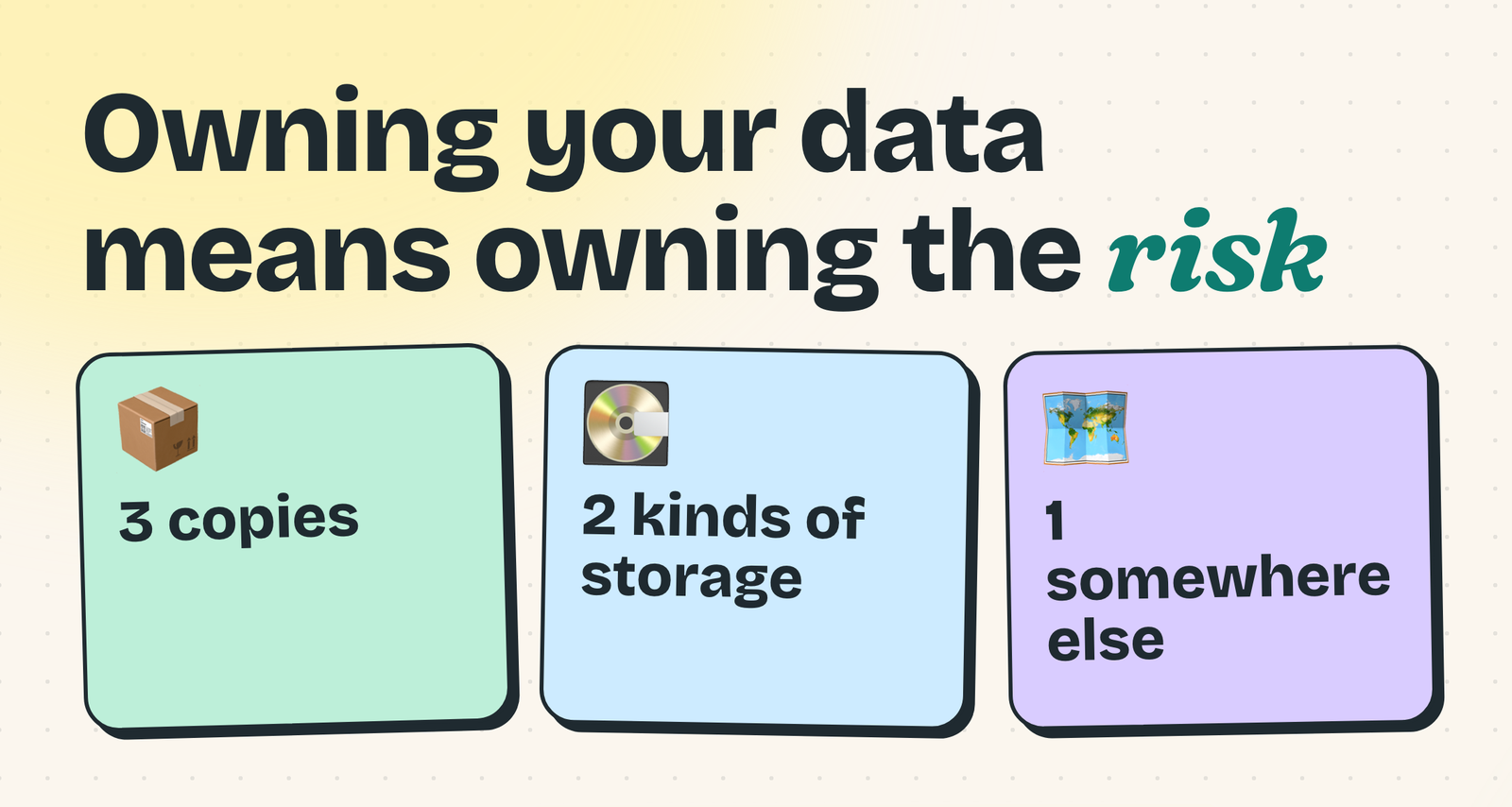
But owning your data means owning the risk. If your photo server dies with no backups, the memories are gone. So: three copies, two kinds of storage, one somewhere else.
Harden the machines
This is where people swap operating systems: GrapheneOS on a Pixel, Linux on the desktop, filtering DNS for the house, a VPN for specific jobs. A VPN hides your traffic from the network you're on and from your internet provider. It does not make you anonymous.
The catch that surprised me: the more you harden, the more unique you become, and unique is trackable. This is where the forums fill up with exhausted people.
Isolate: air gaps
Down here you assume you're going to get hacked. David Bombal's question: if something sensitive doesn't need the internet, why is it on an internet-connected device?
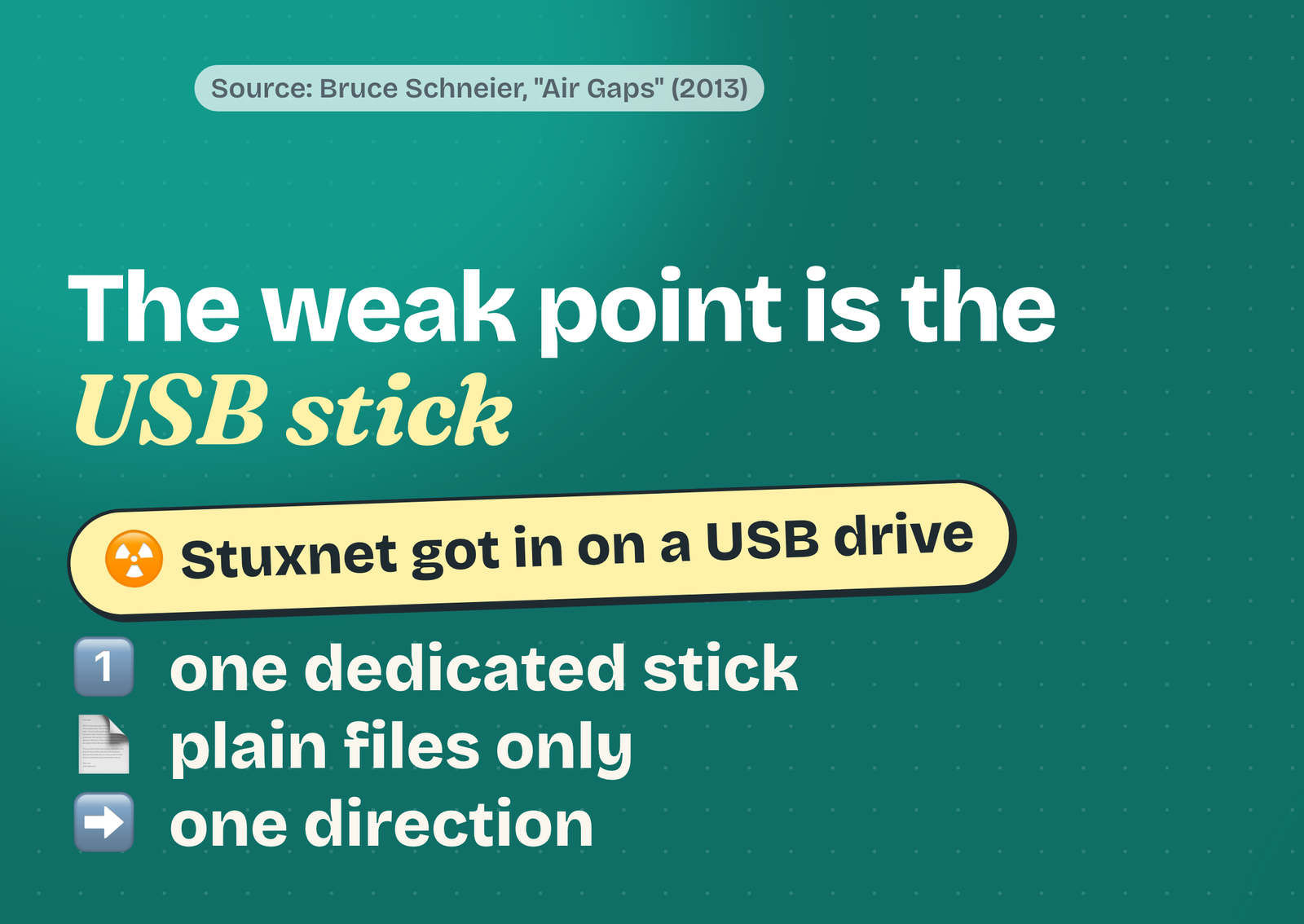
Qubes OS splits your computer into separate virtual machines, and the vault ones have no network. Tails runs off a USB stick and forgets everything at shutdown. Then there's the real air gap, a computer that never touches a network again. Its weak point is the USB stick: Stuxnet got into an air-gapped uranium enrichment plant on one. This is not a how-to.
Vanish, and the sea floor
This is Michael Bazzell's territory, the author of Extreme Privacy. Your house is owned by a trust, your utilities aren't in your name, you pay cash and your phone never comes home with you. It's legal, expensive, and it changes how you live. One lesson from him stuck with me: if you really want privacy, don't be a public figure who talks about privacy. So I can't go down here.
Below that is the sea floor. Researchers in Israel have pulled data out of air-gapped computers through sound, blinking LEDs and even the radio noise from memory. Every attack needed the machine already infected and somebody nearby. The bottom box is empty on purpose: zero risk doesn't exist.
My three boxes
I'm not picking one depth for my whole life. I pick a depth for each piece of it.
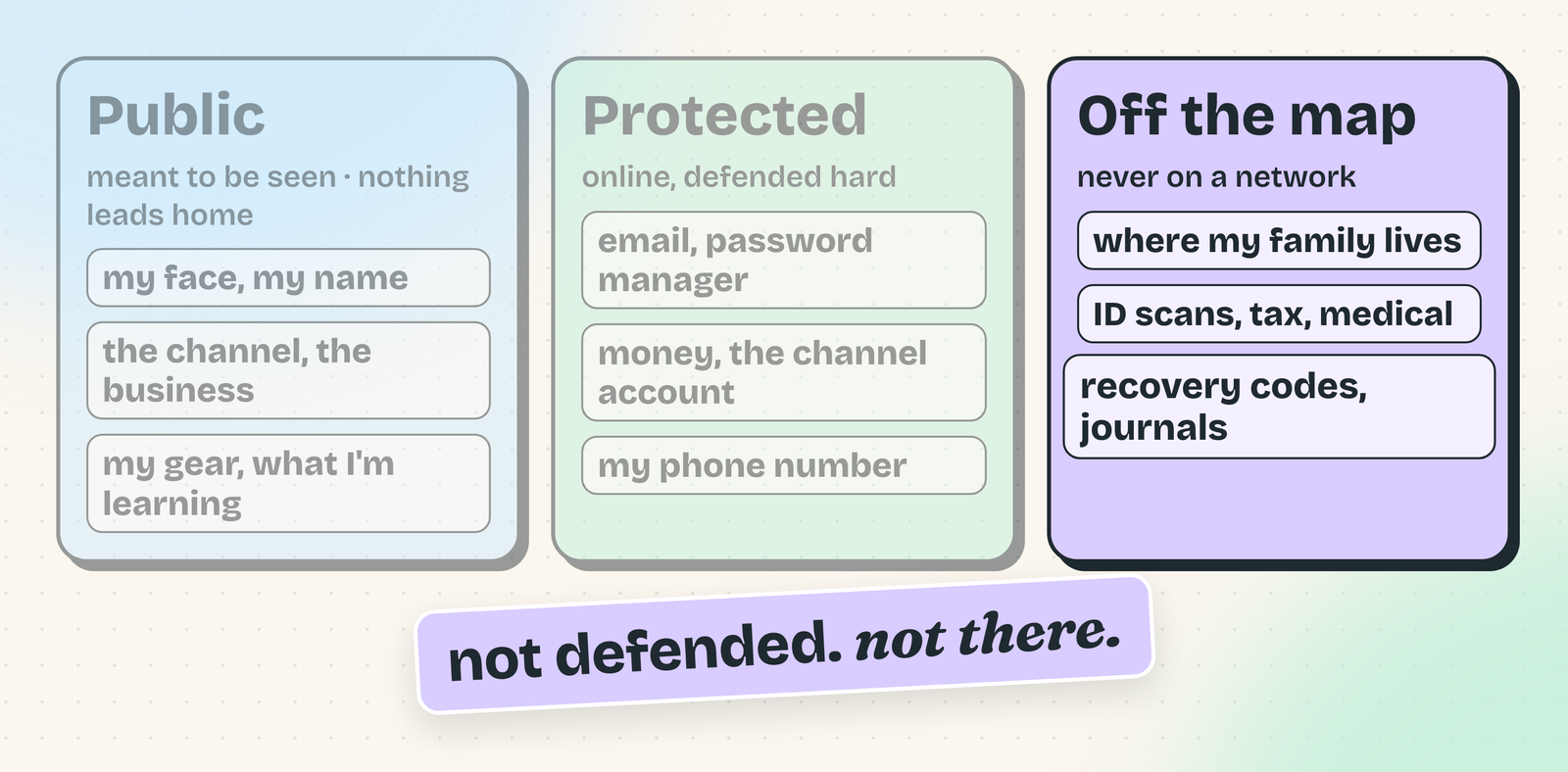
Public is what I want you to see: my face, my name, the channel, the business, my gear, whatever I'm learning this week. I'm lax here on purpose. The one rule: nothing in this box leads back home.
Protected has to be online to be useful, so it gets defended hard: my email, my password manager, my money, the account that owns the channel, my phone number. Plus one rule for creators. Google's threat team found around 15,000 attacker accounts sending YouTubers fake sponsorship deals with malware that steals your login cookies, which skips your password and two-factor completely. So I don't open sponsor files on the machine that's signed in to the channel.
Off the map is the one I care about most: where my family lives, their faces and details, scans of my ID, old tax returns, medical stuff, recovery codes, my journal. It doesn't need the internet, so it doesn't get the internet. If I ever become a target, I want them to find a whole lot of nothing.
The cost: I'm the backup plan. Two copies in two places, a yearly check that they still open, and someone in my family who can get in. One copy in one drawer is one fire away from gone.
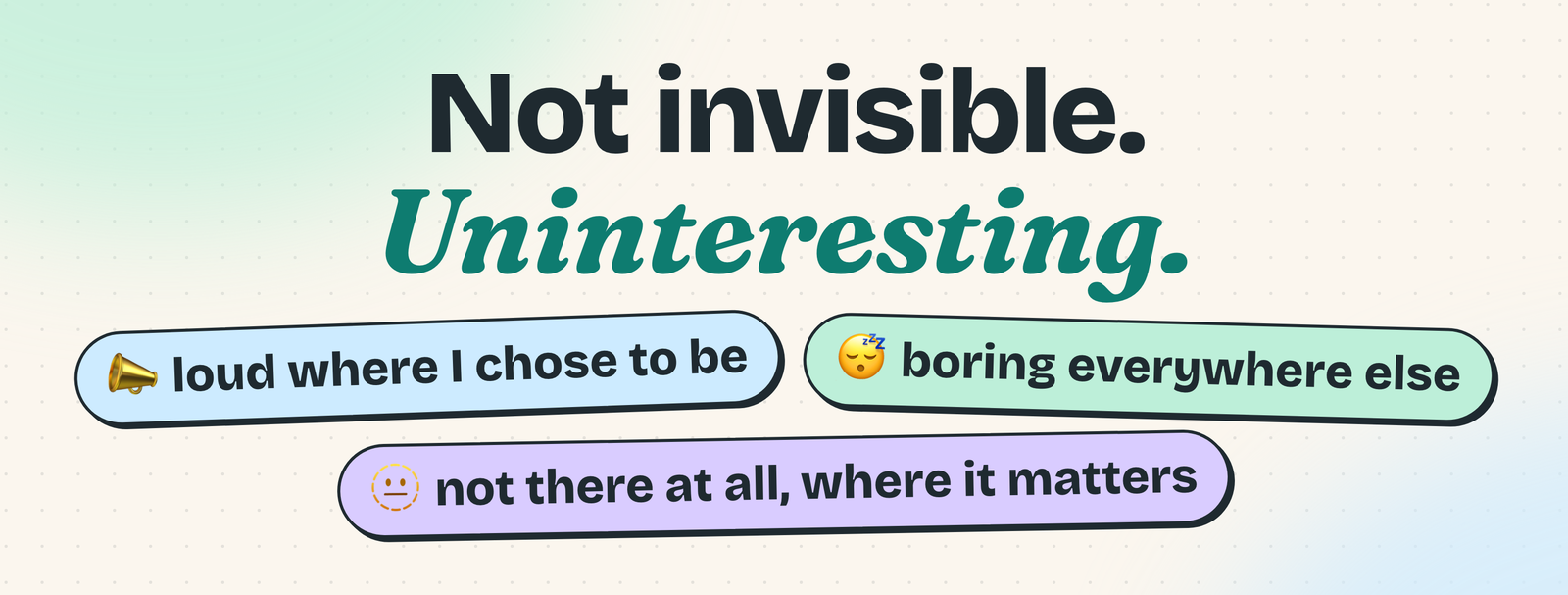
Convenience still wins sometimes: I'm not carrying a burner phone. I'm not trying to be invisible. I want to be loud where I choose to be public, boring everywhere else, and for what matters most, not there at all.
Your turn
Do the tip of the iceberg today. Then write down what's public, what's protected and what should never be online in the first place. Paper works. So does the three box sorter, which also suggests where to stop.
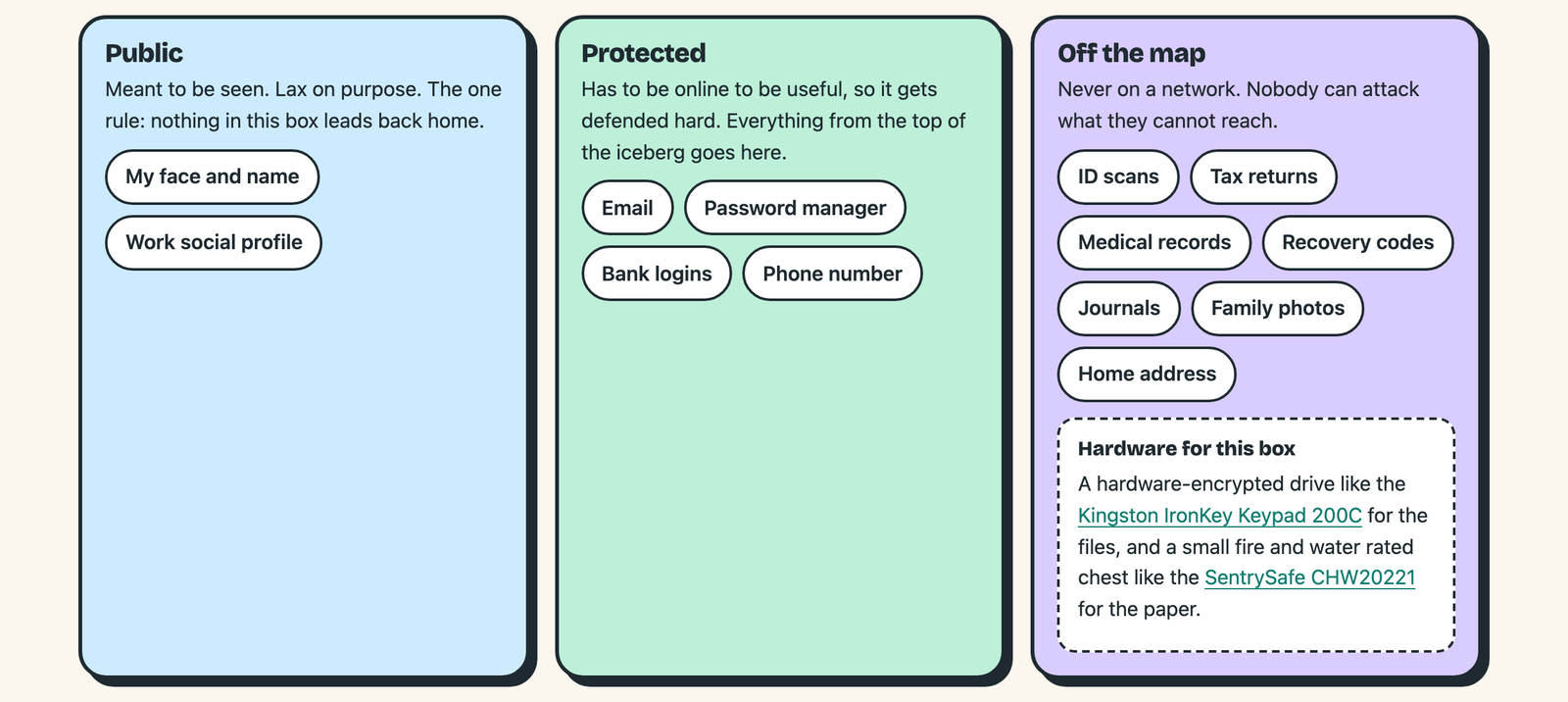
What's in your off the map box? Not the actual stuff, just the category.
The honest limits
I'm not an expert. This is my summary of what other people teach and what public guidance says, not something I tested, and the cost ratings on the interactive page are my estimates. If you face a serious threat, don't plan around a YouTube video. Start with the EFF's Surveillance Self-Defense guides.
If you want the hardware
Nothing here is required, and this is not a review. If you're shopping anyway, this is where I'd start:
- YubiKey 5C NFC: the security key for your email and password manager. It plugs into USB-C and taps over NFC. Buy two.
- Yubico Security Key C NFC: the cheaper key. It does passkeys and security key login only, with no authenticator app codes.
- Kingston IronKey Keypad 200C: a hardware-encrypted USB-C drive that unlocks with a PIN on its own keypad, for the offline box.
- SentrySafe CHW20221: a small fire and water rated chest for printed recovery codes and paper copies.
Sources
- My interactive privacy iceberg, with the sources for every layer
- My post on whether a local AI model can phone home
- EFF Surveillance Self-Defense: Your Security Plan
- NIST SP 800-63B, Digital Identity Guidelines
- UK National Cyber Security Centre, Annual Review 2024
- FTC: credit freezes and fraud alerts
- California DROP data broker deletion tool
- Apple: iCloud data security and Advanced Data Protection
- Google Threat Analysis Group: the cookie theft campaign against YouTube creators
- Bruce Schneier: Air Gaps
- Mordechai Guri: RAMBO, leaking data from air-gapped computers over radio signals from memory
- foci: The Privacy Iceberg
- David Bombal: Qubes OS explained
🎥 Gear links
- Sony a6700 with 16-50mm kit lens
- Shure SM7B dynamic microphone
- Shure MVX2U Gen 2 audio interface
- Audio-Technica ATH-M50x headphones
- ADAM Audio D3V speakers
- GMKtec EVO-X2 AI Mini PC
- Logitech G PRO X Superlight 2 mouse
- NEEWER NL288 LED video light
Affiliate links may earn me a commission at no extra cost to you. As an Amazon Associate I earn from qualifying purchases.